
Design Quick V15
About Course
12d Model DESIGN QUICK
A Course for the enlightened Civil Designer
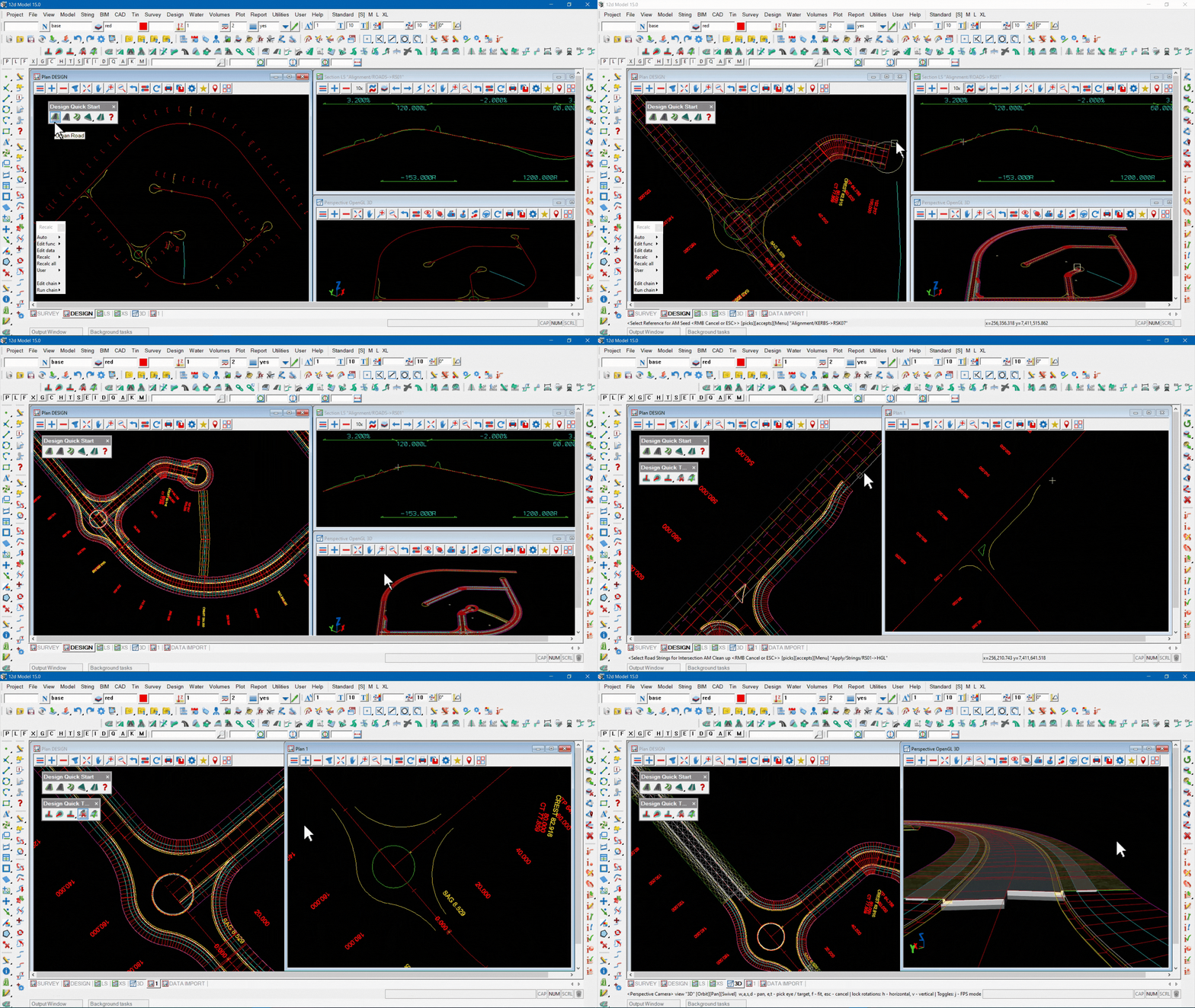
Here you will learn how to use 12d Model’s ‘Design Quick’ tools:
Here you will learn how to use 12d Model’s ‘Design Quick’ tools:
- create a road with the one button click
- create intersections with the two button clicks
- trim the road at the intersection
- generate pavements for the roads
- configure Design Quick tools to match your road cross section
- configure Design Quick tools to your pavement structure
- drop in a roundabout using ‘Components’
- generate pavements for the roundabout
If you know how to design roads by creating MTF files and Apply MTF functions then fasten your seat belt; Design Quick is a game changer.
The dataset used in this series of videos is downloaded from the “Resources” section of this Workflow (above these words).
The files comprise a 12daz of the survey and the design alignments, a toolbar, and a chain that will copy snippets from the 12d Model library to your working folder.
Of the four files provided, we think that the chain is the most valuable.
We do not provide a project. If you wish to reproduce the steps shown you will need to create a new project, and load the survey and design data.
Note that you will require a license of 12d Model V15 (including the ‘Alignment’ module) to reproduce the steps that are demonstrated.
The files comprise a 12daz of the survey and the design alignments, a toolbar, and a chain that will copy snippets from the 12d Model library to your working folder.
Of the four files provided, we think that the chain is the most valuable.
We do not provide a project. If you wish to reproduce the steps shown you will need to create a new project, and load the survey and design data.
Note that you will require a license of 12d Model V15 (including the ‘Alignment’ module) to reproduce the steps that are demonstrated.
Course Content
Quick Design
-
Lesson 1 – Design Quick Start
05:11 -
Lesson 2 – Design Quick Tools
09:04 -
Lesson 3 – Design Quick Setup
10:59 -
Lesson 4 – Bonus Tips – Directors Cut
06:23
Student Ratings & Reviews
Great